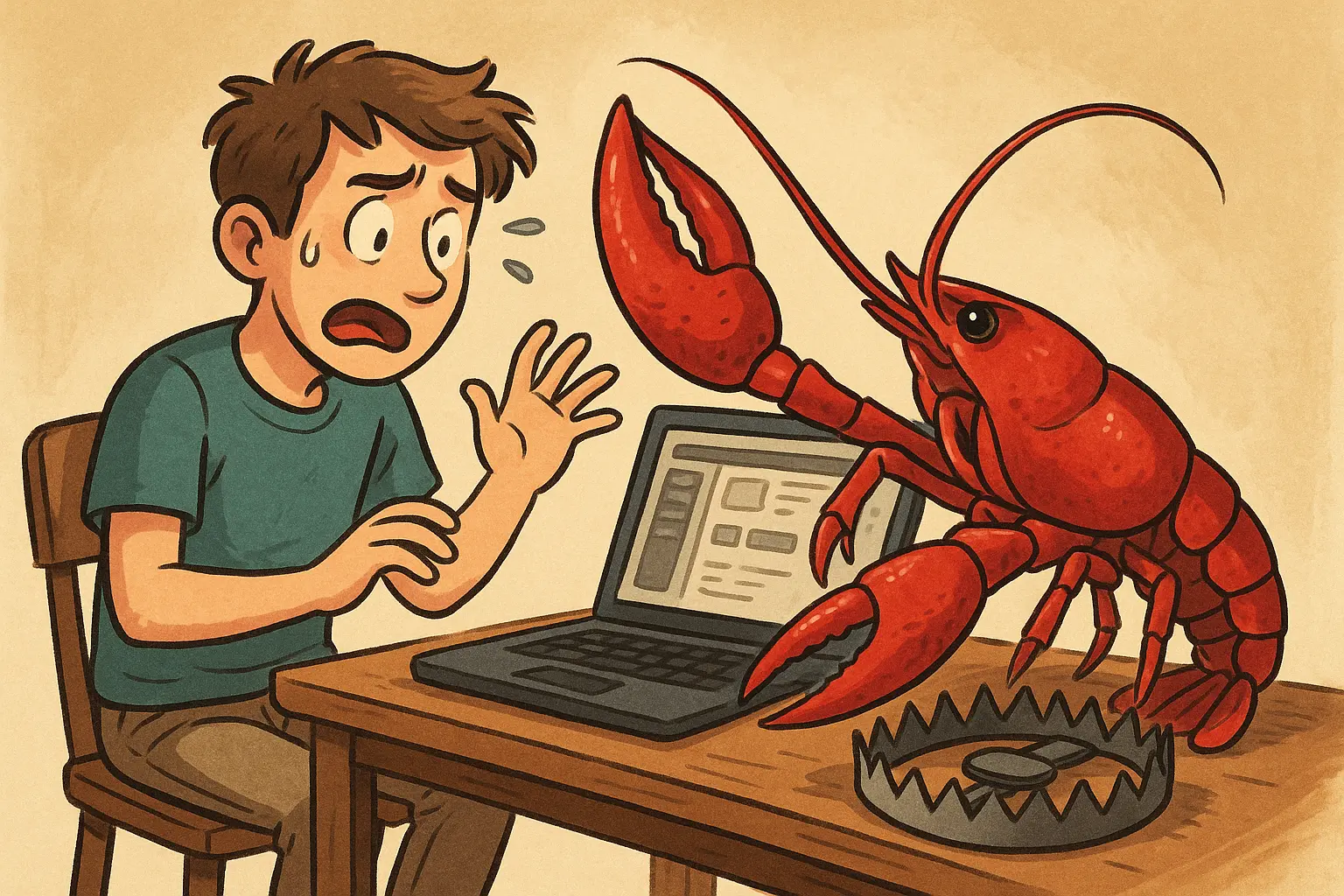
OpenClaw, an open-source AI agent project, released version 2026.3.22 on the evening of March 25th, featuring major upgrades such as the launch of the ClawHub plugin marketplace, multi-model integration, and SSH sandbox. However, the community quickly discovered a serious flaw: resources related to the Control UI were not properly packaged into the release, causing the dashboard to be almost completely unusable.
Major Feature Upgrades in OpenClaw 2026.3.22
Five key new features in this release
Official launch of the ClawHub plugin marketplace: Developers can distribute, install, and manage various agent plugins, enhancing ecosystem expansion capabilities.
Multi-model support: Integration of MiniMax M2.7, GPT-5.4 mini / nano, supporting per-agent reasoning (each agent can independently configure reasoning modes).
/btw sidebar issue mechanism: Allows agents to insert auxiliary queries outside the main task, improving context handling for complex tasks.
OpenShell + SSH sandbox: Enables agents to operate in isolated environments, strengthening security and controllability.
Search capability integration: Connects to external search sources like Exa, Tavily, and Firecrawl, enhancing agents’ real-time information retrieval.
Overall, this update marks a transition of OpenClaw from an agent framework to a complete agent OS (agent platform), with the launch of ClawHub representing a significant milestone in ecosystem development.
Serious Issue: Control Panel UI Missing Package Causes Dashboard to Nearly Fail
The most critical problem in this version is that the Control UI resources were not correctly packaged into the release. After upgrading, users see the following error message: “Control UI assets not found. Build them with pnpm ui:build.”
This means that after completing the upgrade and successfully starting the gateway, the system appears to run normally, but when attempting to use the dashboard, all functions are missing—placing the system in a dangerous state of “seemingly normal but actually unusable.”
The Control UI is a core component of OpenClaw, responsible for agent monitoring, task management, and token control. This packaging omission effectively results in a “missing dashboard” for new users completing onboarding—initial setup succeeds, the gateway starts, but the dashboard is completely non-functional.
Community Response and Temporary Solutions
The OpenClaw community quickly reported this issue on X and GitHub, with users expressing clear frustration: “It took me 30 minutes to fix this, which really shouldn’t happen.” “For people who can’t code, this is really bad.”
The current temporary fix is to manually run the command pnpm ui:build in the root directory of OpenClaw to repackage the Control UI resources. While technically feasible, this method requires command-line skills, which may be too high a barrier for average users.
Recommendation: If you have not yet upgraded to OpenClaw 2026.3.22, it is advised to hold off until an official patch is released.
Frequently Asked Questions
How to temporarily fix the missing Control Panel UI in OpenClaw 2026.3.22?
The known temporary fix is to run pnpm ui:build in the root directory of OpenClaw to manually repackage the Control UI resources. This requires basic command-line skills; users without technical background are advised to wait for an official fix.
Which OpenClaw functions are specifically affected by this packaging issue?
The Control UI handles core functions such as agent monitoring, task management, and token control. After the package omission, these functions are completely unusable, causing the system to be “bootable but not operable,” which most impacts users relying on the dashboard for daily operations.
Should I immediately upgrade to OpenClaw 2026.3.22?
It is recommended to delay upgrading until the official patch is released. If you have already upgraded and encounter dashboard failure, you can try executing pnpm ui:build as a temporary solution, and continue to monitor the latest updates on OpenClaw’s GitHub.
Disclaimer: The information on this page may come from third parties and does not represent the views or opinions of Gate. The content displayed on this page is for reference only and does not constitute any financial, investment, or legal advice. Gate does not guarantee the accuracy or completeness of the information and shall not be liable for any losses arising from the use of this information. Virtual asset investments carry high risks and are subject to significant price volatility. You may lose all of your invested principal. Please fully understand the relevant risks and make prudent decisions based on your own financial situation and risk tolerance. For details, please refer to
Disclaimer.


