


Before entering the world of cryptocurrency trading, completing account registration and login is the first step. Below is an overview of the Gate exchange account registration process and login methods .
Gate Account Sign Up Process (Web)
1.Visit the official Gate website and click the "Sign Up" button in the top-right corner to enter the registration page. On the registration page, select your Country/Region , check "By creating an account, I agree to the User Agreement and Privacy Policy " , and click "Sign Up" .

2.On the "Create Account" page, follow the instructions to enter your email or phone number , password, and other required information.
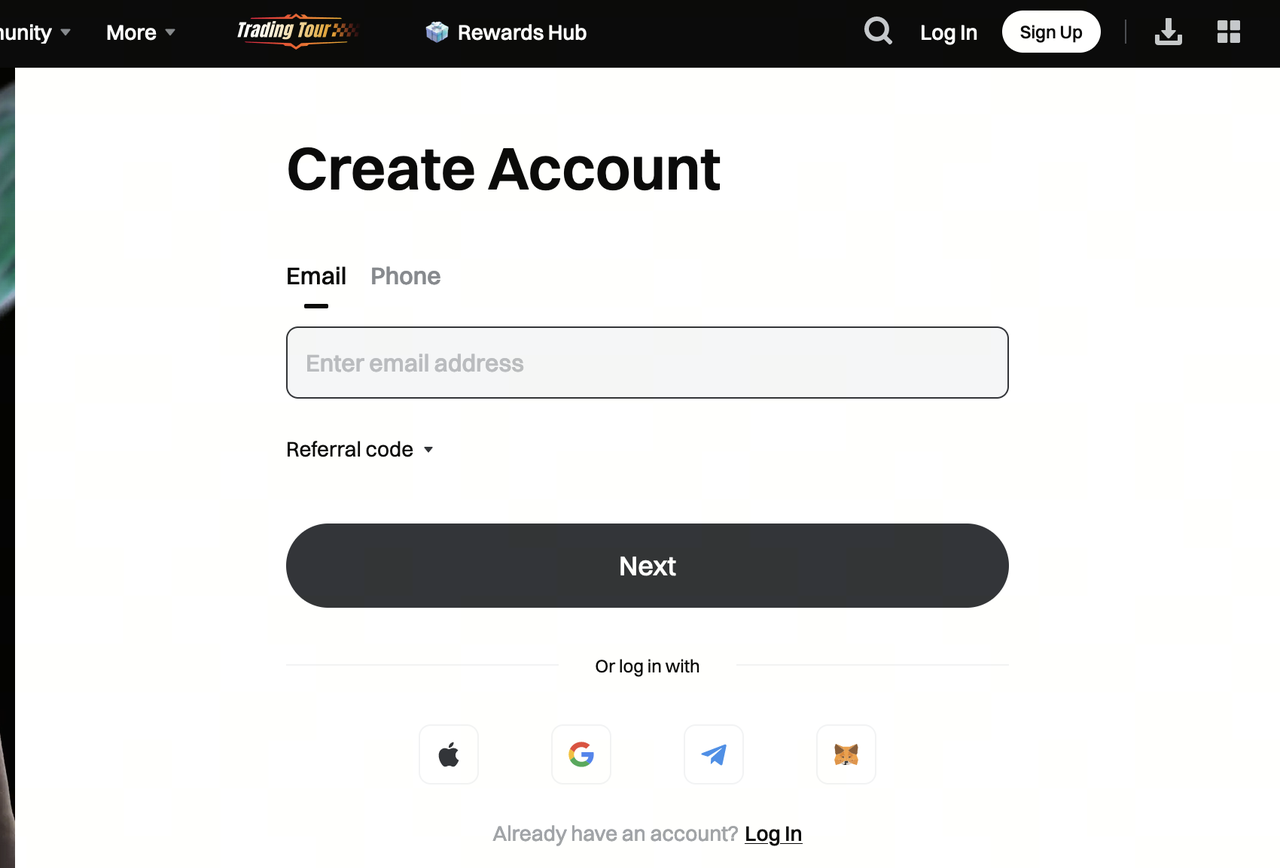
3.Using email registration as an example, you will be taken to the verification page. Enter the verification code and click "Next" .

4.After successful verification, registration is complete . You will be automatically redirected to the Gate login page, where you can log in to the Gate platform using your account.
Gate Login Methods and Instructions (Web)
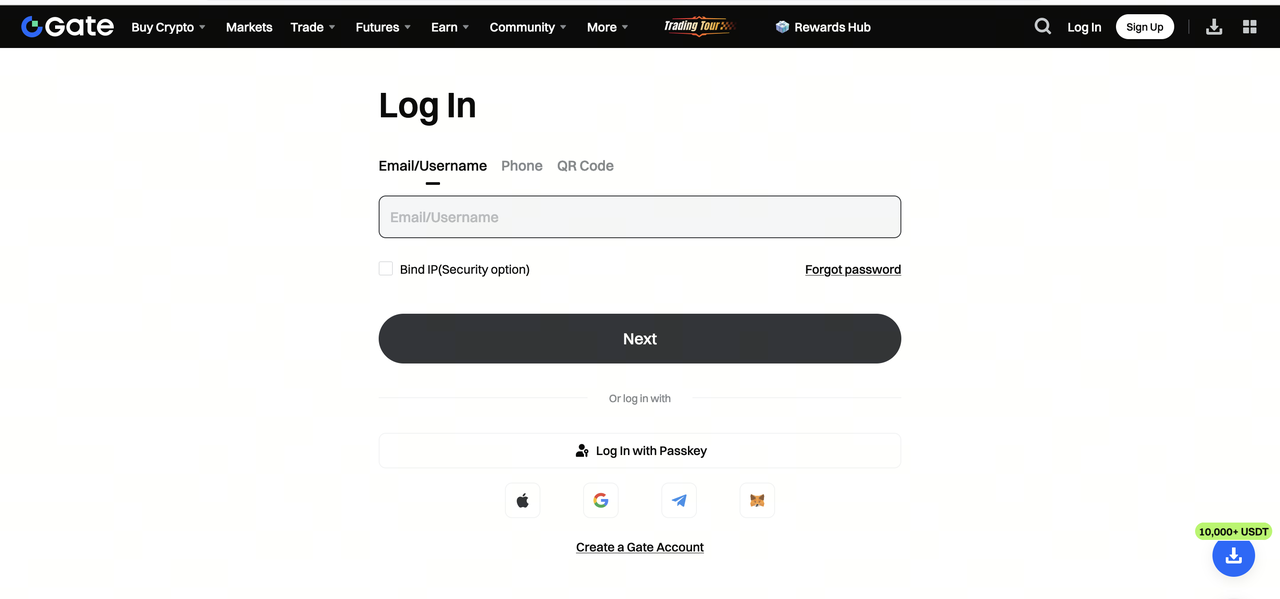
After registration, users can log in to their Gate accounts using the following methods:
1.Account + Password Login:
Log in to the web version using the Email/Username or Phone and password used during registration.
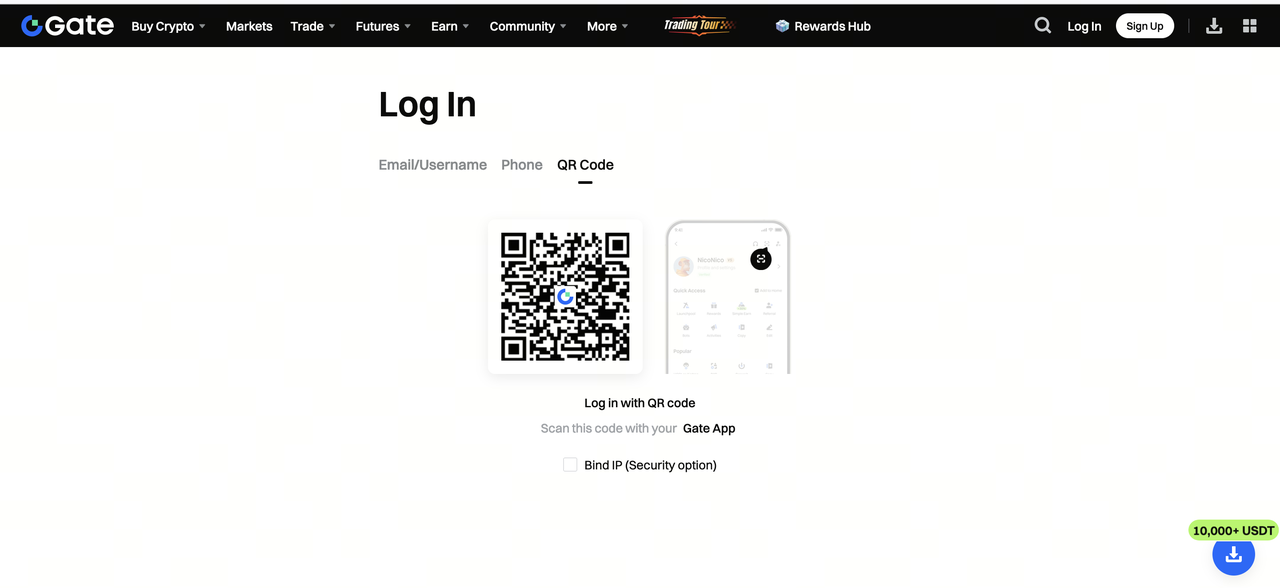
2.Gate App QR Code Login:
Use the Gate App that is already logged in to your account to scan the QR code and log in to the web version.
Note: To ensure account security, it is recommended to enable 2FA authentication immediately after your first login. For more details, please refer to How to Bind Google Authenticator or Gate Authenticator .
